Field manual · September 9, 2026
Castle Busters Unit Upgrades: Perks, Bulk Levels, Stops
Understand perks and the 1.17 bulk-upgrade change, then decide whether to continue without inventing max levels, costs or perk thresholds.
Unit upgrades can unlock perks and power spikes, and patch 1.17 removed the old cap that blocked more than 40 levels in one action. Neither source publishes a universal stop level, max unit level, exact perk thresholds, or current costs. Read the current unit panel, upgrade only when the expected change is visible, and pause when the next purchase has no defined purpose.
Field order
What unit upgrades actually unlock
The official Castle Busters overview says upgrading units can unlock new perks and power spikes. It does not list which unit receives which perk, the required level, the size of a stat change, or a common maximum level.
That makes the current game panel the decision point. Treat a named perk or visible change on your account as a candidate reason to upgrade. A round number, a larger total, or an old player recommendation is not enough to label a level a breakpoint.
Field order
Do not confuse three upgrade questions
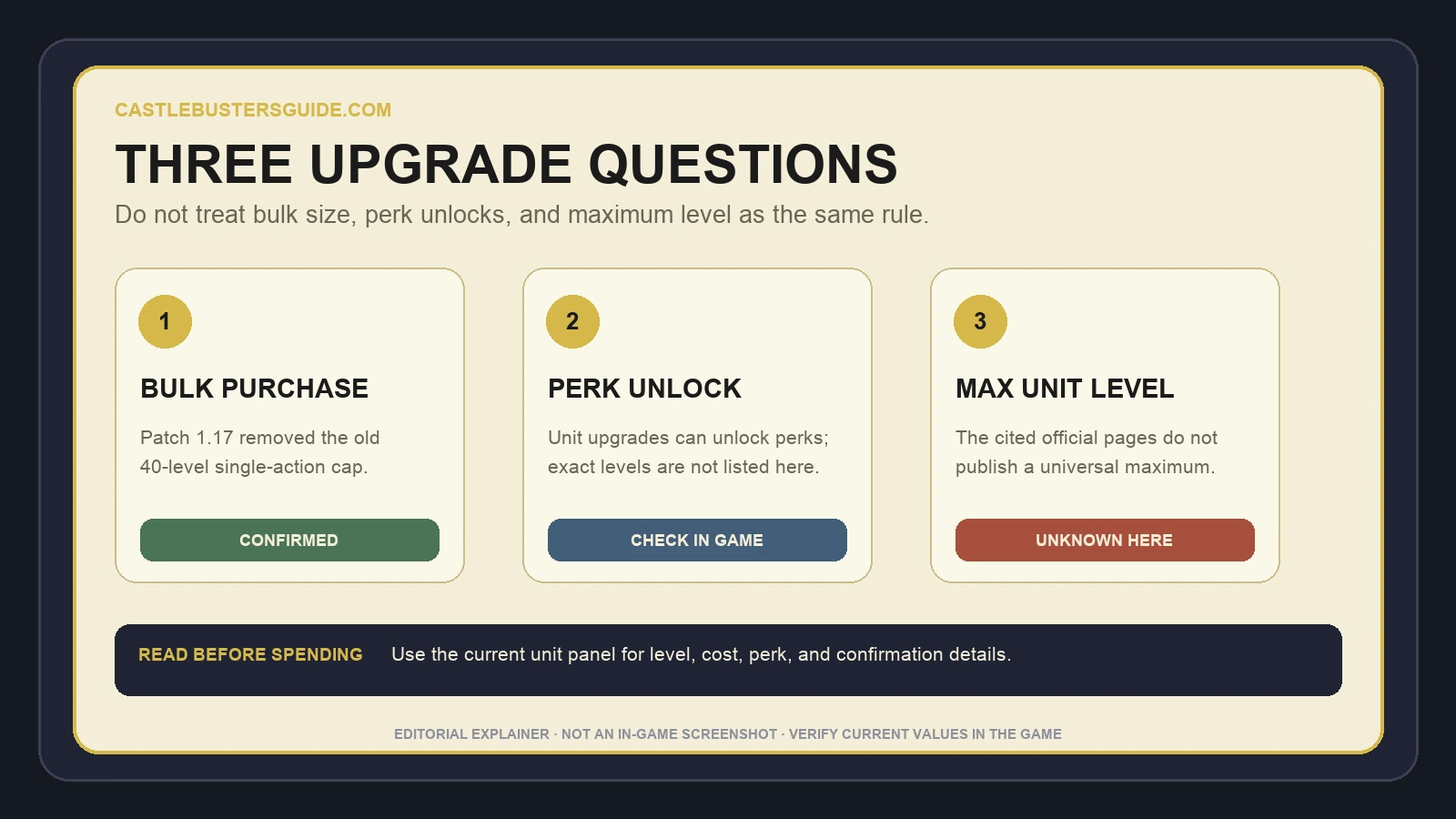
Bulk purchase size, perk unlock level, and maximum unit level are separate questions. Patch 1.17 answers only one of them: it removed the cap that had prevented upgrading a unit by more than 40 levels in one action.
The patch note does not say that level 40 is a perk threshold, a recommended stopping point, or the maximum unit level. It also does not publish the current cost of buying many levels or promise that every account shows the same upgrade options.
| Question | What the cited official sources say | Status |
|---|---|---|
| Can one action add more than 40 levels? | Patch 1.17 removed the old blocking cap. | Confirmed for 1.17 |
| Which levels unlock perks? | Unit upgrades can unlock perks, but no level table is published. | Check the current unit panel |
| What is the maximum unit level? | No universal maximum is listed on the two cited official pages. | Unknown here |
| What does each level cost? | No current unit-by-unit cost table is listed. | Check before confirming |
Field order
Read the unit panel before confirming
Open the unit you intend to keep using and record only the fields your current panel actually shows. Useful fields may include the unit name, present level, selected number of levels, total cost, a stated perk, and any previewed change. Do not invent a missing field or borrow a value from another account.
If the panel does not show what the purchase changes, pause before committing a large batch. The 1.17 Help Center and direct support entry under Settings are the official paths for a current account-specific question; the public patch note does not reproduce their answers.
| Before confirmation | Record | Pause when |
|---|---|---|
| Unit identity | Exact unit and current level shown | The screenshot or panel belongs to a different unit |
| Purchase size | Number of levels selected, if displayed | The batch size is unclear |
| Cost | Current total shown on your account | The value is hidden or comes from an old post |
| Expected change | Named perk or visible preview, if present | No purpose for the purchase is visible |
Field order
Use a stop check instead of a guessed level
A useful stopping decision starts with one expected result. Examples include surviving long enough to act, reaching a clearly displayed perk, or changing the first failure in a comparable later match. These are player tests, not official level promises.
Choose the smallest visible purchase that can answer the question. Keep the formation and intended role as stable as practical, then compare the next similar match. Opponents and layouts can change, so one result is a clue; a repeated result is stronger evidence for your own account.
| Observed result | Decision | Why |
|---|---|---|
| A displayed perk unlocks | Test the unit in its normal role | The purchase delivered a visible new condition |
| The same first failure improves twice | Consider one more bounded step | The upgrade may be addressing the stated problem |
| Only a summary number rises | Pause and define a gameplay purpose | The breakpoint is still unproven |
| The same failure remains | Stop or test placement, castle or another unit | More levels may be aimed at the wrong cause |
Field order
Treat bulk upgrades carefully after patch 1.17
The removal of the old 40-level single-action cap makes a larger batch possible under the patched rule. It does not make a larger batch better. Buying many levels at once can hide the exact point at which a perk appeared or a match result changed.
Recent player posts ask about sudden upgrade costs, large batches that appear not to apply, and leveling milestones. Those posts show real questions worth answering, but the replies conflict and reflect different accounts and dates. Use them as research signals rather than a current rule for your spend.
Field order
Keep unit levels separate from other fixes
The official overview describes unit upgrades and castle upgrades separately. Unit upgrades concern perks and power spikes; castle upgrades concern durability and stronger defensive options. If the castle breaks before the unit can act, the next answer may belong to the castle or formation rather than another unit level.
Use the upgrade materials guide when deciding which system deserves resources, the formation guide when position or trigger conditions are failing, and the wheels guide when movement or firing angle is the bottleneck. This page begins after you have chosen a unit and need to decide how far to take the next purchase.
Field order
Questions the published sources leave open
The two cited official pages do not provide a current maximum unit level, unit-by-unit perk thresholds, per-level damage or health growth, bulk discounts, refunds, or a universal best stopping level. They also do not define how unit level affects matchmaking.
Leave those values unknown until they are visible in the current game or answered by Castle Busters support. When collecting evidence, save the unit, platform, account stage, version, date, before state, purchase, and after state so a later update can replace the unknown without turning one account into a universal rule.
Field order
Quick unit upgrade checklist
Confirm the exact unit and current level. Separate the number of levels in one purchase from the unit maximum and perk thresholds. Read the current cost and any visible perk or change. Use the smallest purchase that answers one question, then observe a comparable match.
Continue only when the expected change appears and matters in the unit’s normal role. Pause when the purpose is unclear, the same failure remains, or the advice depends only on an undated community level. Recheck this page after a patch changes unit upgrades, perks, costs, or the confirmation interface.
Records